
GamingFacecam + gameplay

Find your best moments, reframe your video and add captions in minutes.
 Facecam
  Content
  Auto
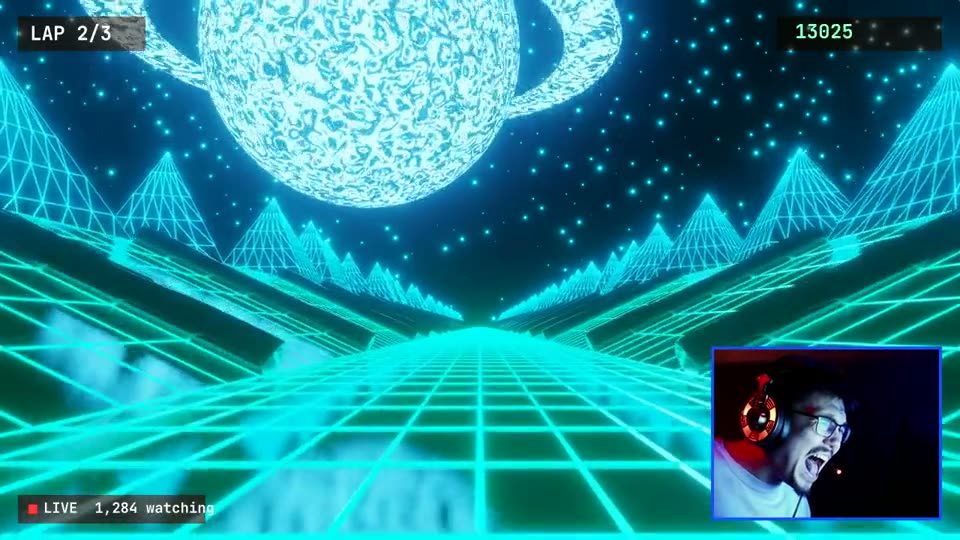
Auto The 9:16 short was rendered by Clipuno from the 16:9 stream (stock footage). Facecam + content is one of the layouts you can choose — or let Clipuno pick: speaker focus, split screen or full frame.
Clipuno finds the best moments and works for any type of content.

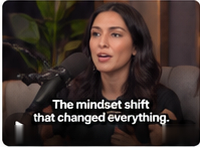

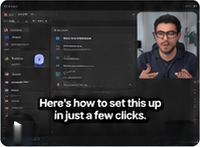


Example frames — caption styles are fully customizable.
Clipuno turns every stream, podcast or uploaded video into ready-to-share clips — and saves you hours of editing.
 ✨ Camera
✨ Content
Detecting key moments…
✨ Camera
✨ Content
Detecting key moments…
 Tue · 18:00
The same moment, reframed for each feed — 9:16, 1:1, 4:5 or 16:9.
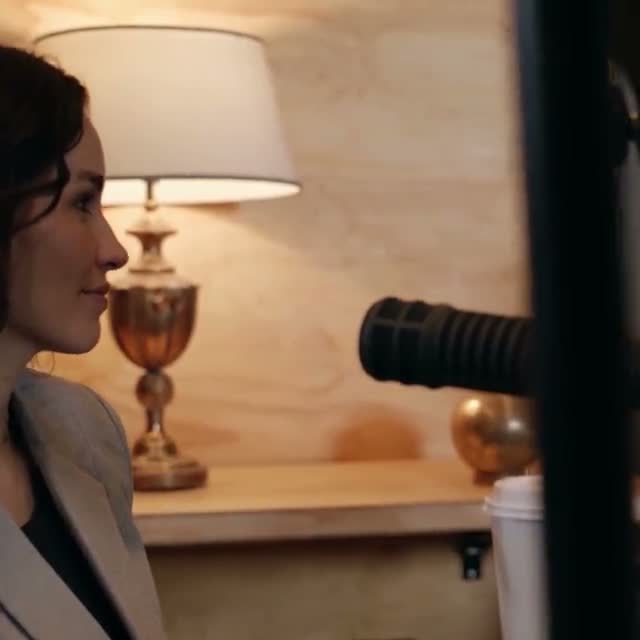
Real output rendered by Clipuno from a stock podcast clip (Mixkit).
Dozens of styles, your own fonts and colors. What you see here is drawn by the same engine as the final video.
A long podcast goes in. AI finds the moment, follows the speaker and adds captions.
Runs live in your browser · stock footage (Mixkit) · same caption engine as the finished video
 Smart crop
 Facecam + content
 Original frame


Every paid plan starts with a 7-day free trial. Add a card to start — you won't be charged if you cancel before the trial ends.
For creators getting started.
Start 7-day free trialFor creators who post every day.
Start 7-day free trialFor agencies, streamers and power users.
Start 7-day free trial| Basic$9/mo | Pro$29/mo | Ultra$99/mo | |
|---|---|---|---|
| Processing time per month | 5 hours | 20 hours | 100 hours |
| Max video length | 2 hours | 4 hours | 10 hours |
| Max upload size | 4 GB | 10 GB | 20 GB |
| Storage | 25 GB | 100 GB | 500 GB |
| Videos processing at once | 2 | 4 | 10 |
| AI clip finder, captions & reframing | ✓ | ✓ | ✓ |
| All caption styles, stickers, sound effects | ✓ | ✓ | ✓ |
| No watermark | ✓ | ✓ | ✓ |
| AI actions per day | 100 | 400 | 1500 |
| Brand kits & templates | ✓ | ✓ | ✓ |
| Schedule & auto-post to TikTok, YouTube, Instagram | ✓ | ✓ | ✓ |
| Auto-clip new VODs (channels) | 1 | 5 | 20 |
| Live clipping (Kick, Twitch, YouTube) | — | 2 | 10 |
| A/B hook versions | — | ✓ | ✓ |
| Priority processing | — | ✓ | ✓ Highest |
Prices in USD, billed monthly. Cancel anytime from your account. The free trial is available once per account.
English, Bosnian, Croatian and Serbian, plus automatic detection and dozens of other languages. Serbian Cyrillic is converted to Latin script.
Yes. Clipuno detects faces, the webcam and the main content and reframes for 9:16, 1:1, 4:5 or 16:9. You choose the layout — smart crop, facecam + content, split screen or the original frame — and can adjust it by hand.
Yes, for public videos where downloading is technically possible (also Twitch and Kick VODs). Private or protected videos won't work — upload your own file instead. Only use content you have the rights to.
Yes. Every clip gets word-timed captions in the style you pick. You can edit the text and timing, translate captions and download SRT and VTT files.
Files are private and only available to you through temporary links. Originals and renders are deleted automatically after 30 days of inactivity, and immediately when you delete a project.
Every paid plan starts with a 7-day free trial. You add a card to start; if you cancel before the trial ends, you aren't charged. After the trial, the plan renews monthly until you cancel.
No. It's an AI estimate of how well a clip works on its own (opening, flow, value), with an explanation. Results on social media depend on many factors.
No. Connections use each platform's official OAuth sign-in, and you can disconnect at any time.